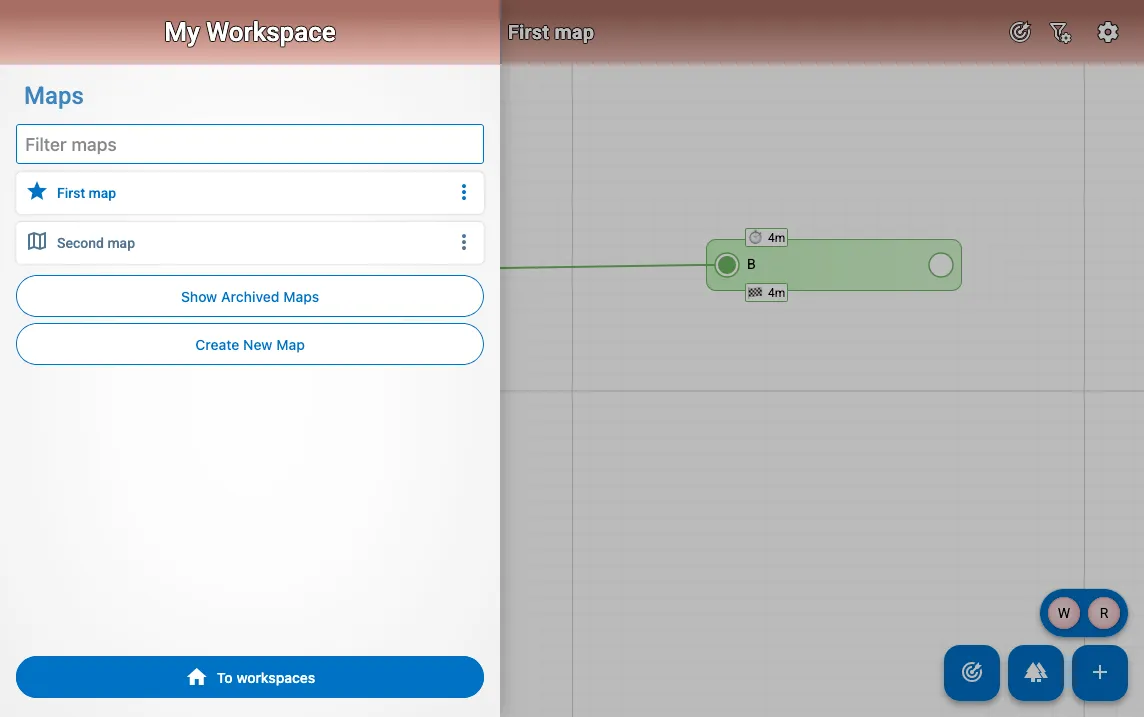
Map list
Navigating to another map, creating a map, and editing a map are all done using the map side bar. When you click on the three vertical dashes in the top left, the map list will be shown.
The following can be done:
- Filter the visible maps
- Navigate to another map by clicking on it
- Display/hide the archived maps
- Editing a map by clicking on the three dots at the end of a map
- Create a new map
- Navigate to all your workspaces
Closing the menu is done by clicking outside of the sidebar.