Customize Workspace
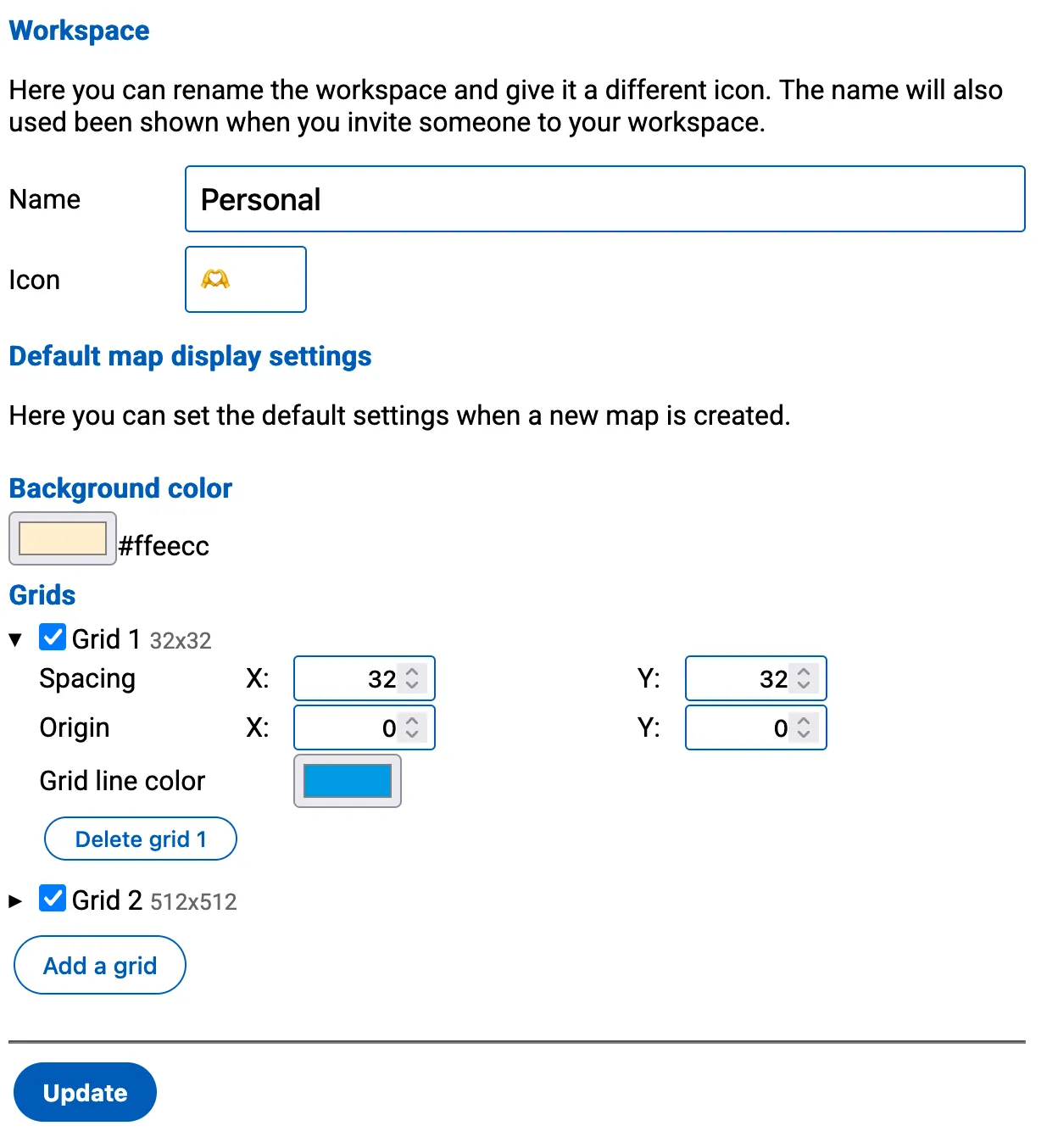
You can customize your workspace by editing the basic settings.
- Title: The name of your workspace, which will be displayed on the workspace-card and other relevant areas within Todo2d.
- Emoji Icon: A set of three characters, including emojis, that will be shown on the workspace-card. This icon helps to visually identify your workspace on the main page.
- Default Background Color for New Maps: The background color that will be applied to new maps created within this workspace.
- Default Grids for New Maps: Which grids are created when you create a new map.
- By default there is a
32x32and512x512grid - Grids are drawn in the order in which they appear. Earlier grids will be below later grids.
- For more information see: grids
- By default there is a
These properties can be edited to personalize your workspace and make it easily recognizable.